Enter your dishes
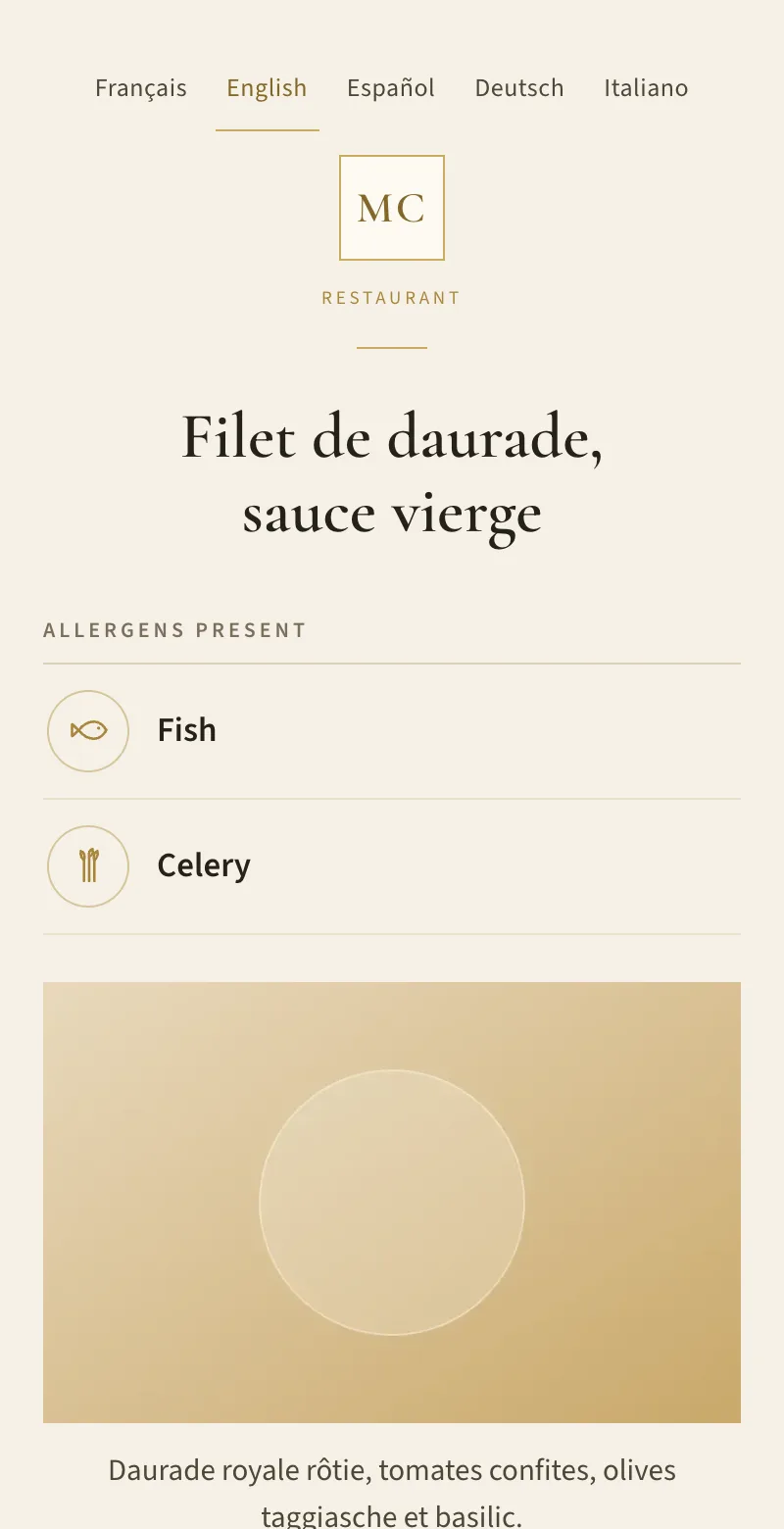
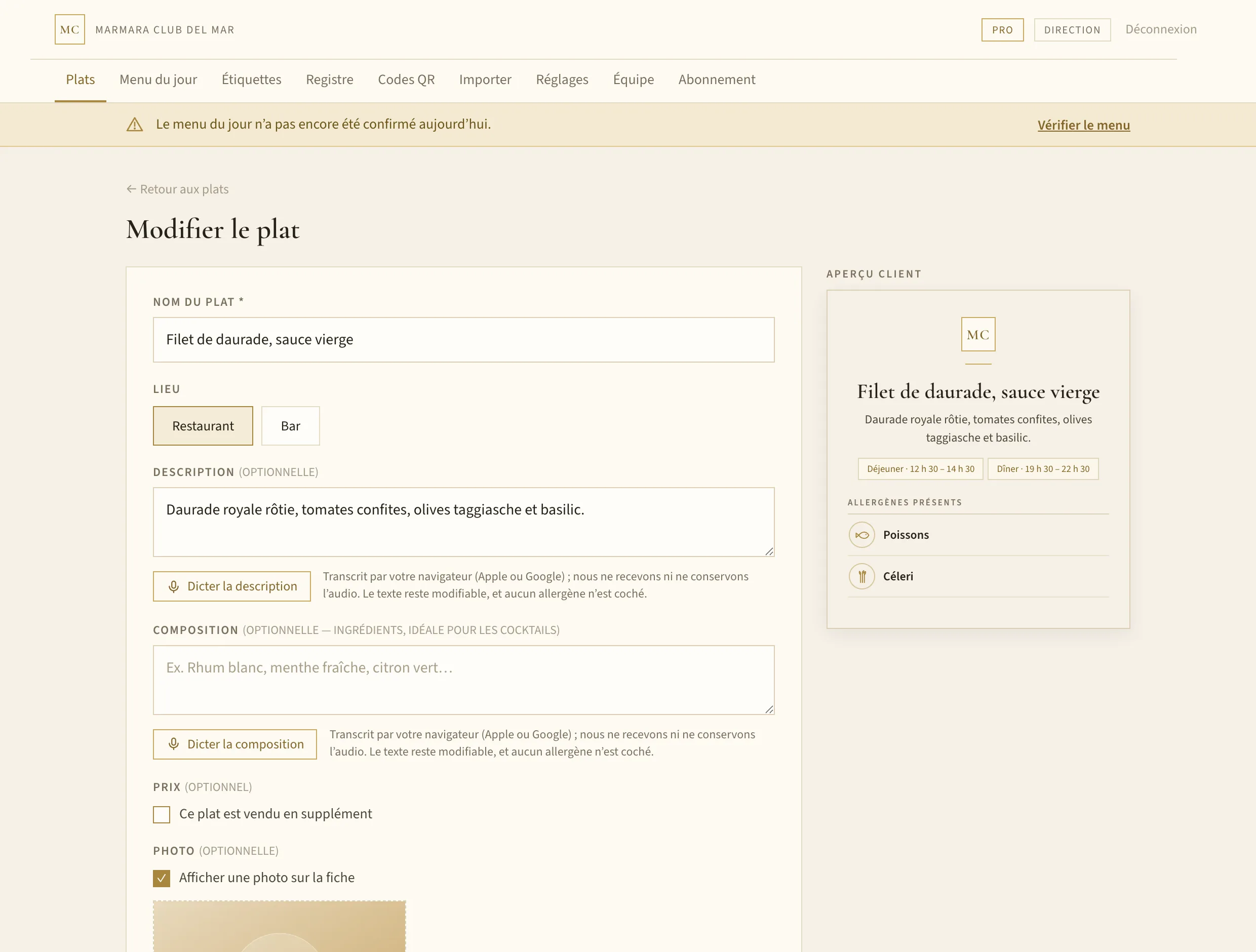
Name, description, photo, services. Tick the allergens exactly as on your paper sheet — or state explicitly that there are none.
Regulation (EU) No 1169/2011
One QR per dish, an address that never changes. Your team keeps the sheets current from a simple panel; the diner scans and reads only the allergens actually present — not a list of fourteen empty boxes.
Up and running in an afternoon · Nothing to install · Cancel any time
How it works
Name, description, photo, services. Tick the allergens exactly as on your paper sheet — or state explicitly that there are none.
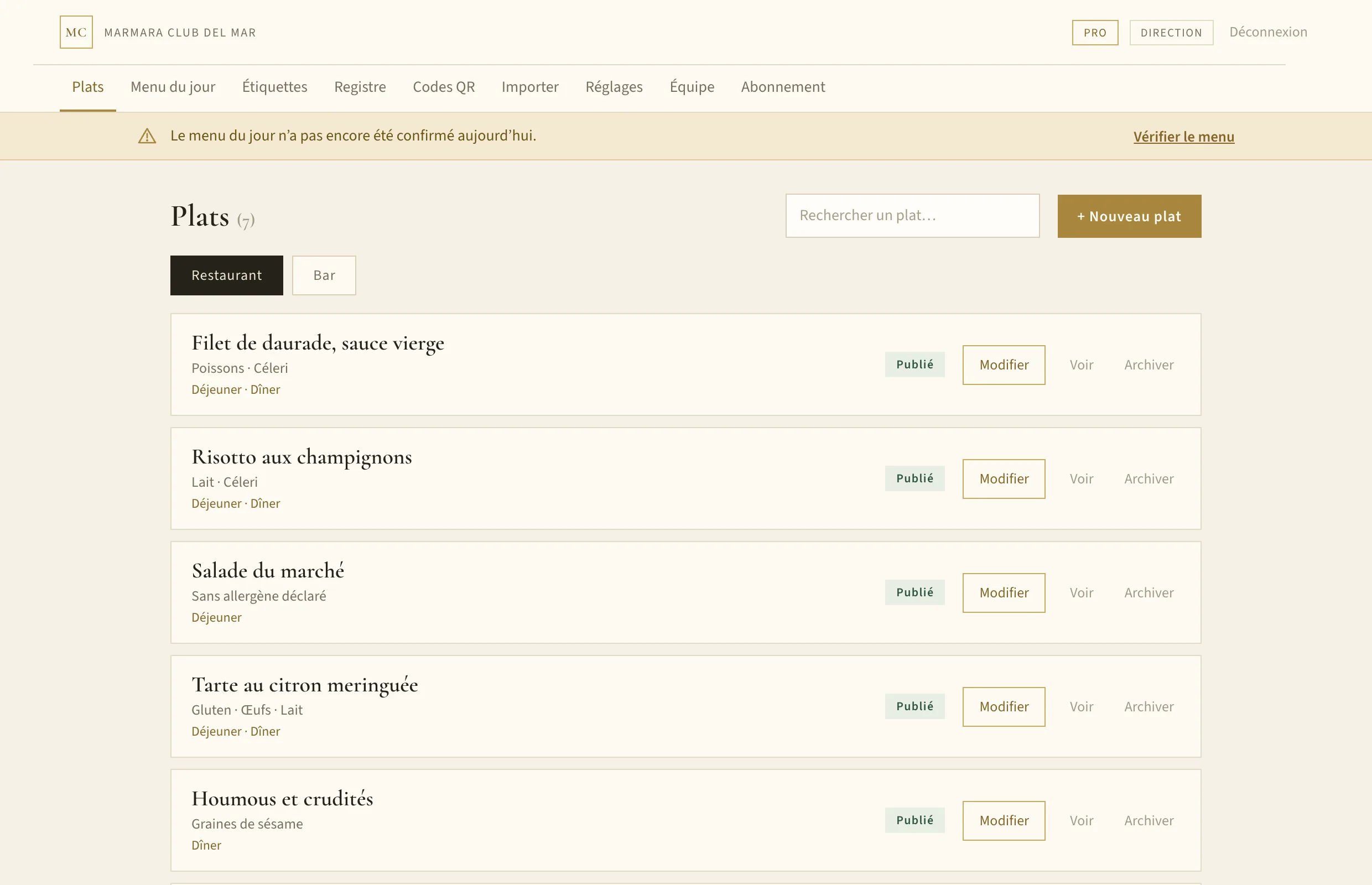
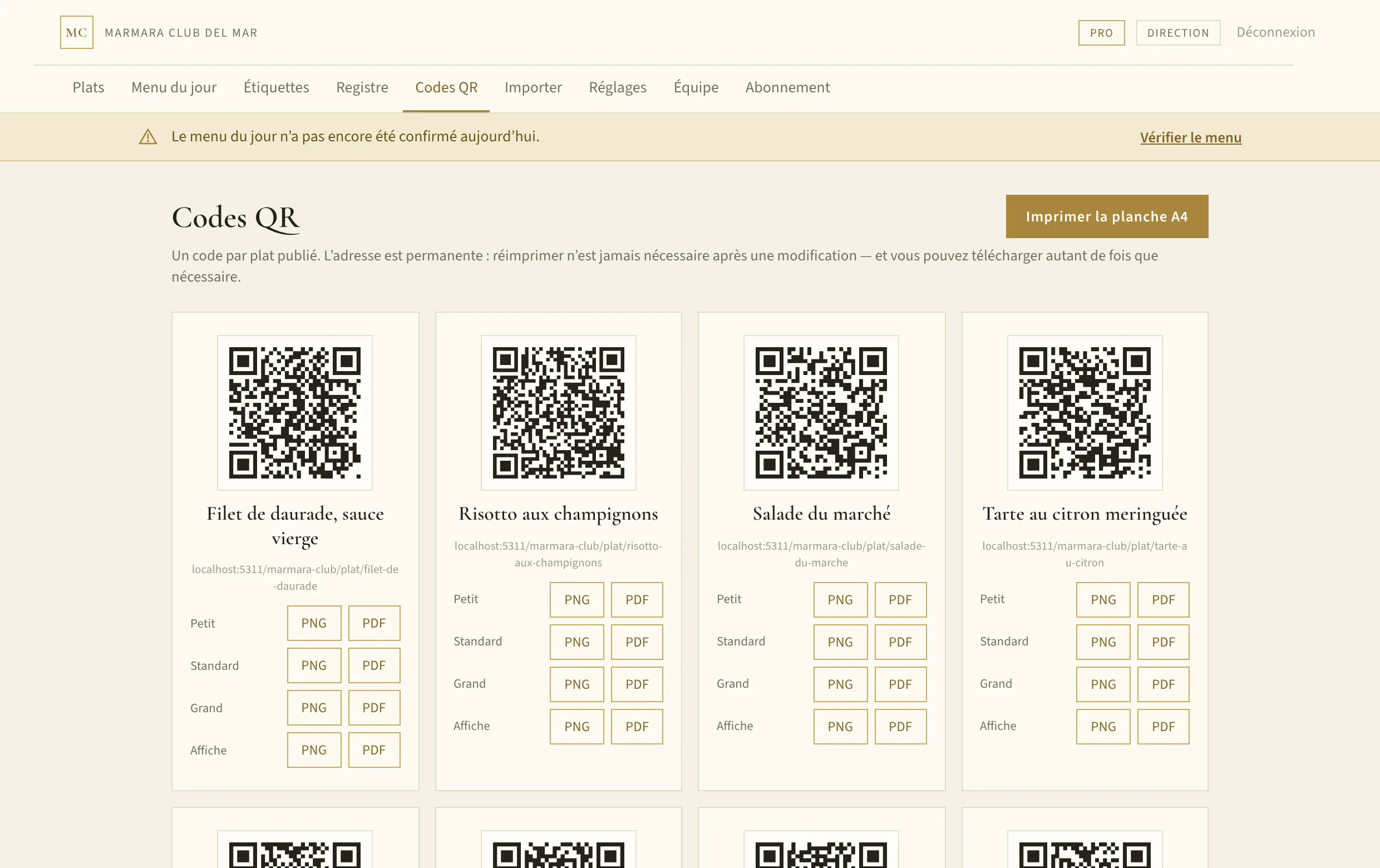
One code per dish, an A4 sheet ready to cut, or labels in four sizes. The address never changes, so you only print once.
They read only the allergens in their dish, in their own language, in under a second. No app to install.
What sets us apart
An allergen list is not marketing material: it is a safety document. The product is built around that idea, right down to what it refuses to do.
A dish only publishes with a name, a service, and either ticked allergens or the explicit “no declared allergen” state. You cannot publish a half-filled sheet by accident.
Two distinct states, never conflated. An incomplete sheet says “allergen information is being updated” and points to your team — never an absence of allergens that would be a lie.
Changing the allergens of a dish already in the dining room shows the before and after, and leaves a timestamped record of who approved it. Your history is your evidence.
Their wording comes from the official terminology of the regulation, written by hand in all five languages. Machine translation handles descriptions, not safety labels.
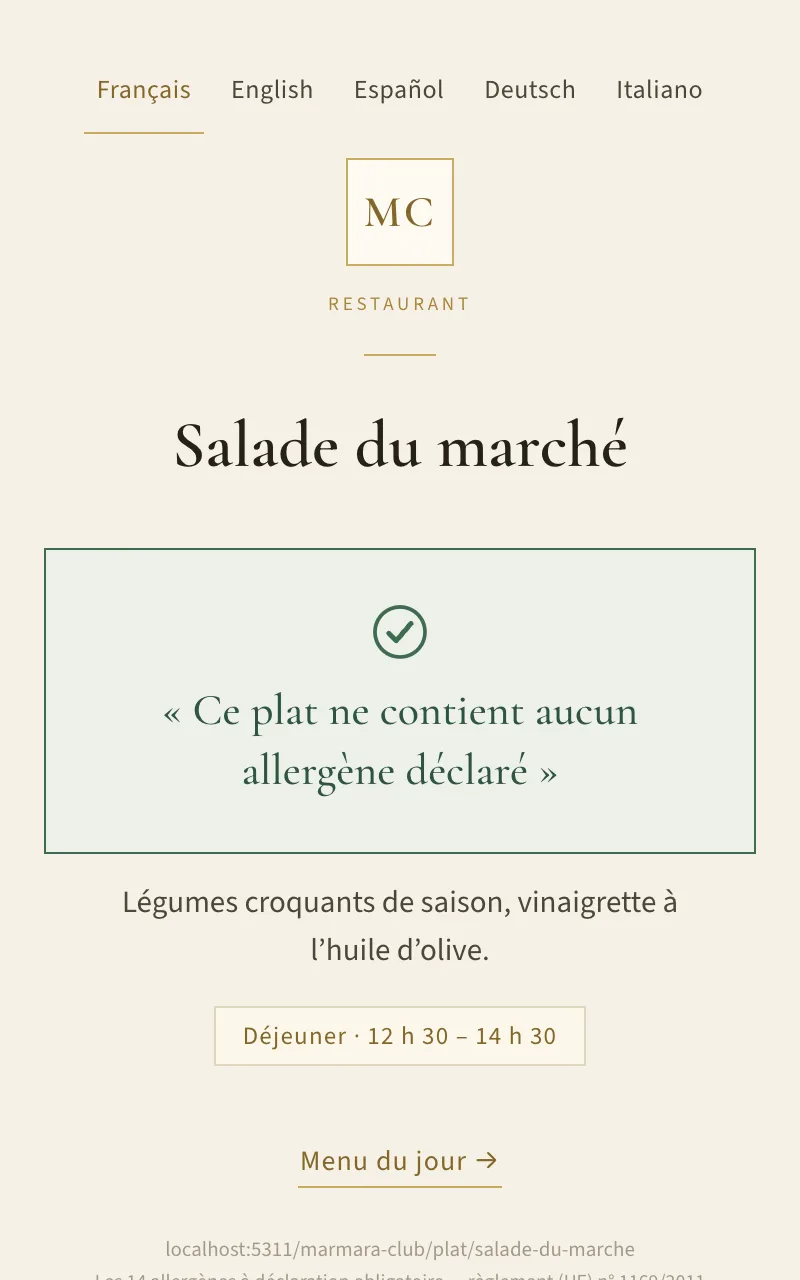
“This dish contains no declared allergen” appears only when someone ticked it after checking in the kitchen. A dish nobody has attended to says nothing reassuring: it points the diner to your team.
Five languages
The sheet appears automatically in the language of the phone, among those you have enabled. Your descriptions are translated on save; allergen names come from the official terminology of the regulation — never from a machine.
The printed QR carries no language: it stays valid even if you enable more languages next year.
Pricing
The price covers twelve months, billed once, excluding VAT. A hotel that closes for the winter does not pay twelve monthly instalments for seven months of service. Change plan or cancel from your own account, at any time.
Price on request
One venue, one menu, one language.
Price on request
Unlimited venues and dishes, five languages, automatic translation.
Payment is handled by Stripe: no card details pass through this application. Automatic invoicing, VAT calculated for your country.
Hotel groups
Each hotel keeps its own menu, its own QR codes and its own team. You see the whole picture — and you know within ten seconds which property has a gap in its record.
Dishes, languages and service times belong to the hotel. The chef prints their own buffet labels and menu, not the neighbour’s.
Each hotel’s manager creates accounts for their own team, and those accounts only ever see that property. Only group management moves between them.
The tour operator asks for proof across the whole group. You produce it as a single document, hotel by hotel and day by day.
A single subscription for the group. The more properties you add, the less each property costs.
Frequently asked
Never. A dish’s address is set when it is created and never changes: renaming it, swapping the photo, correcting the allergens or archiving it all leave the code valid. That is the whole point of the system.
Your sheets and QR codes stay online. The panel becomes read-only, but a diner scanning a label already stuck to a table still reads their allergens — cutting that off would put them at risk and leave you non-compliant.
No. The panel opens in a browser, on a computer or a kitchen tablet. The diner installs nothing either: their camera is enough.
Nothing is deleted and nothing disappears from your customers’ view. You simply cannot add more dishes or venues until you are back under the limit, or on the Pro plan.
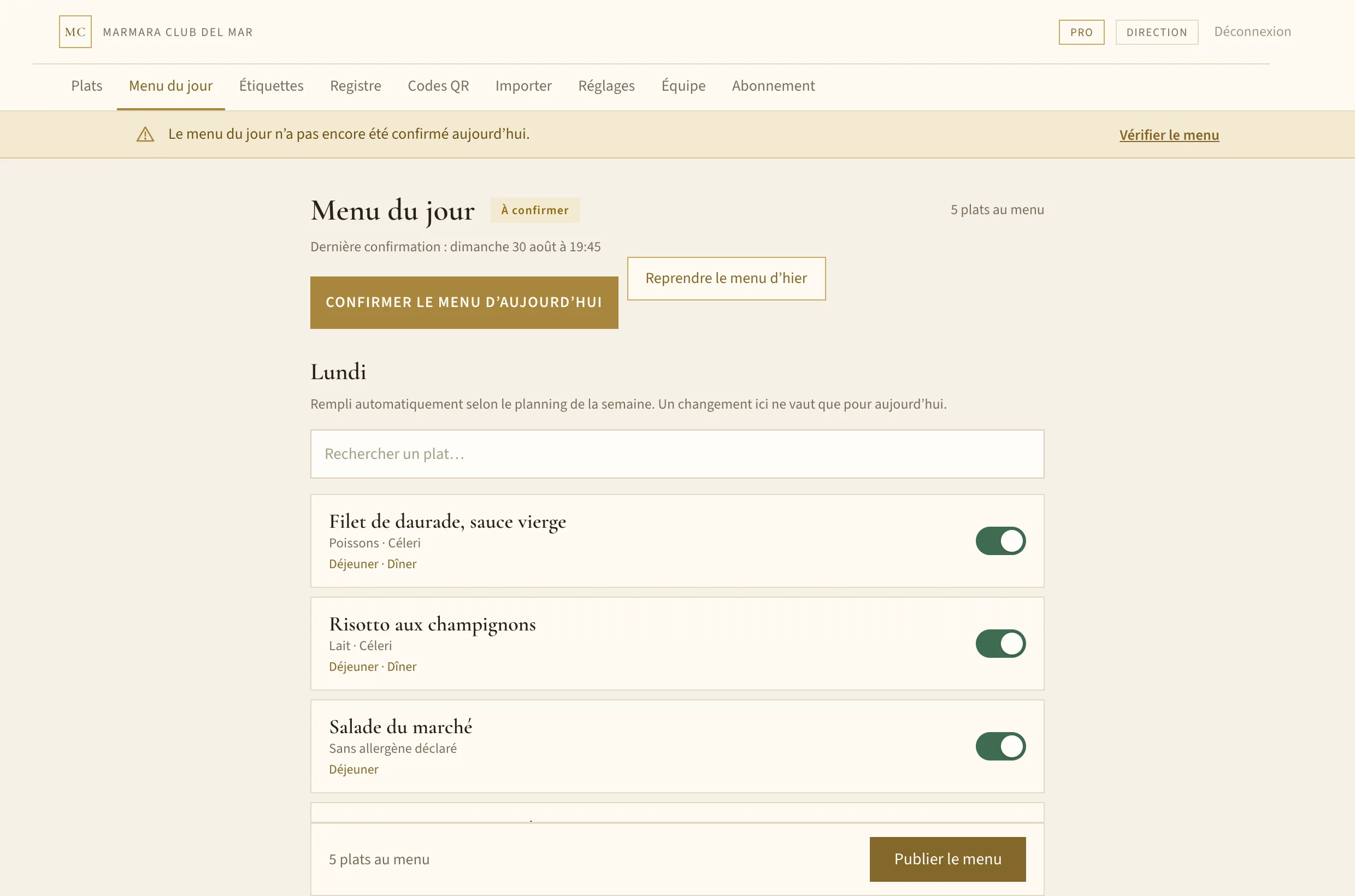
Yes, on the Pro plan. Each venue has its own list; only the restaurant follows the daily menu and weekly planning. Cocktails show their ingredients under the name.
By card through Stripe, once per season, with automatic invoices and VAT calculated for your country. You change plan, update your card or cancel from your own account, without writing to us.
Contact
Tell us in two lines what you serve and how many dishes you need to cover. We reply within one working day.
Rather start straight away? Create your venue — setup takes a few minutes.